



How To Share An Amazon Shopping Cart
Online shopping has made life more convenient than ever. However, one challenge remains: sharing your selected items with friends, family, or colleagues before checking out. Whether you want someone’s opinion, coordinate group orders, or manage team supplies, sharing your Amazon Shopping Cart can save time and effort. Below, we explain several effective ways to do it—clearly and securely.
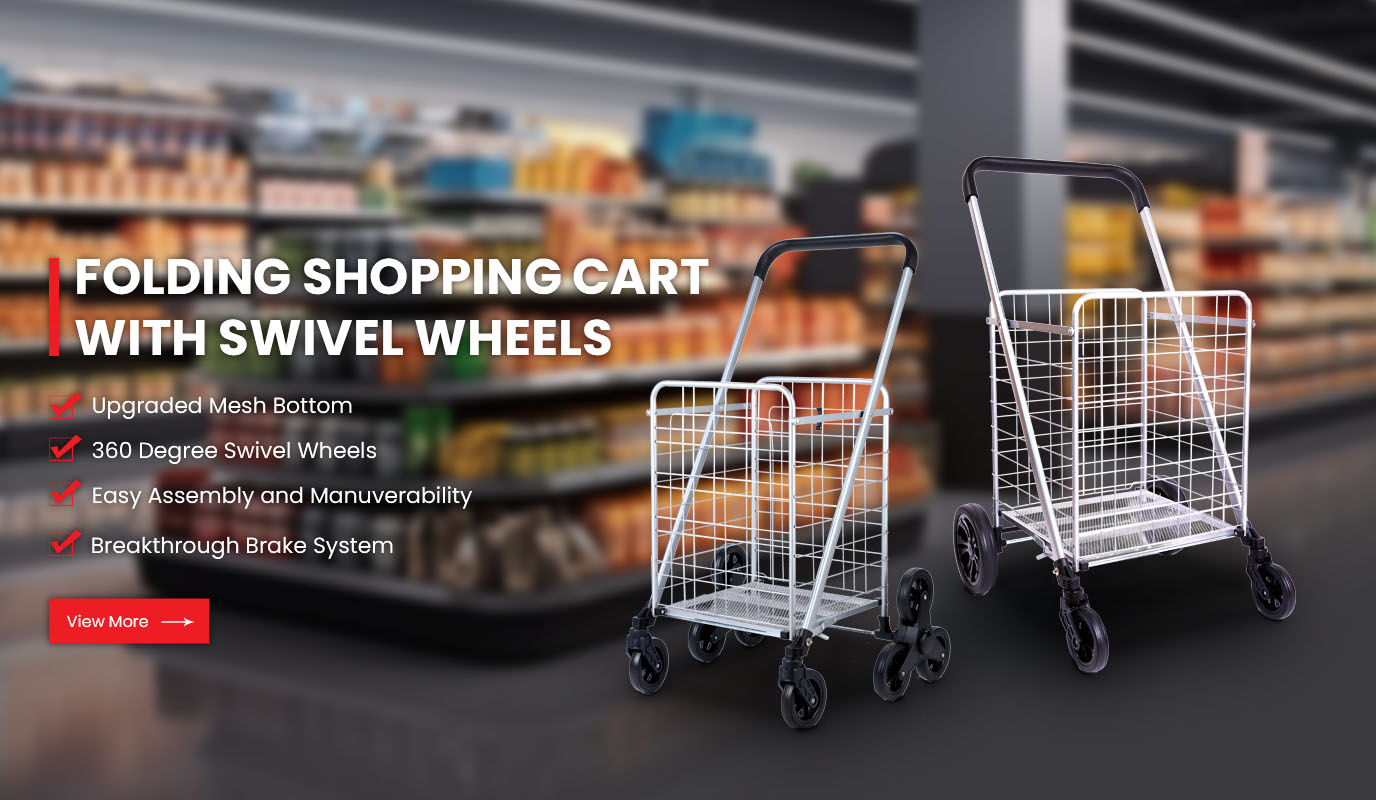
At WOCHANG, we understand how essential convenience and collaboration are in modern shopping, whether online or in stores. Just as our foldable carts simplify real-world shopping, learning how to share a virtual cart streamlines your digital experience.
1. Understanding the Amazon Cart System
Amazon’s shopping cart stores all the items you plan to purchase. Each user’s cart is private by default, meaning others cannot view or edit it directly. However, Amazon offers practical options to share cart contents through external links or wish lists. Knowing which method fits your purpose ensures smoother communication.
Sharing for feedback: Useful if you want family or colleagues to check items before buying.
Sharing for joint purchases: Common in office supply orders or group gifts.
Sharing for recordkeeping: Businesses often use this to track procurement lists.
2. Method One – Share Your Cart with a Link (Desktop Browser)
The simplest way to share your Amazon cart is to create a shareable link through a third-party tool or browser extension designed for Amazon carts.
Steps:
Log into your Amazon account and open your Shopping Cart page.
Review the items and quantities to ensure accuracy.
Use a trusted browser extension such as Share-A-Cart or Shopping Cart Share.
Generate a unique share code or link.
Send the link via email, text, or any messaging platform.
The recipient can open the link, view your items, and even add them to their own cart. This is ideal for families managing shared household shopping lists.
3. Method Two – Create and Share a Wish List
Amazon’s Wish List feature offers a safer and official way to share items. Instead of sharing your cart directly, you can transfer products to a list.
Steps:
On each product page, click “Add to List” instead of “Add to Cart.”
Go to your account menu and open “Your Lists.”
Select the list you want to share.
Click “Invite” and choose either View Only or View and Edit permissions.
Copy the sharing link and send it to others.
This option provides more control and privacy. You can edit or remove items anytime without affecting your main cart.
4. Method Three – Use Amazon Household or Business Accounts
For family members or small teams, Amazon offers collaborative accounts:
Amazon Household allows two adults and up to four children to share benefits and shopping lists.
Amazon Business users can create shared purchasing lists for office supplies, equipment, or client gifts.
These setups simplify coordination without needing to send links back and forth. Each member can access, edit, or approve items before final checkout.
5. Tips for Safe Cart Sharing
Avoid sharing personal account details such as login credentials or payment methods.
Use the official Amazon or trusted tools only; avoid suspicious link-generation websites.
Double-check your shipping address and saved payment info before sharing.
Keep lists updated so recipients view accurate item availability and prices.
6. Real-World Convenience with WOCHANG
Just as sharing a digital cart enhances teamwork online, a well-designed physical shopping cart improves collaboration and comfort in stores.
WOCHANG specializes in:
Foldable metal carts for supermarkets and households.
Heavy-duty utility carts for warehouses and outdoor markets.
Ergonomic handles and smooth-rolling wheels that reduce strain during use.
Our goal is to make shopping—digital or physical—more efficient, organized, and enjoyable.
Conclusion
Sharing your Amazon shopping cart can be done easily through extensions, wish lists, or Amazon’s collaborative accounts. Each method offers flexibility depending on your purpose—whether you’re coordinating gifts, managing office orders, or planning household essentials.
As online and offline shopping continue to blend, WOCHANG remains dedicated to making every aspect of shopping effortless and convenient—helping you move seamlessly from digital lists to real-world carts.